Windows
Your billing counter, sorted.
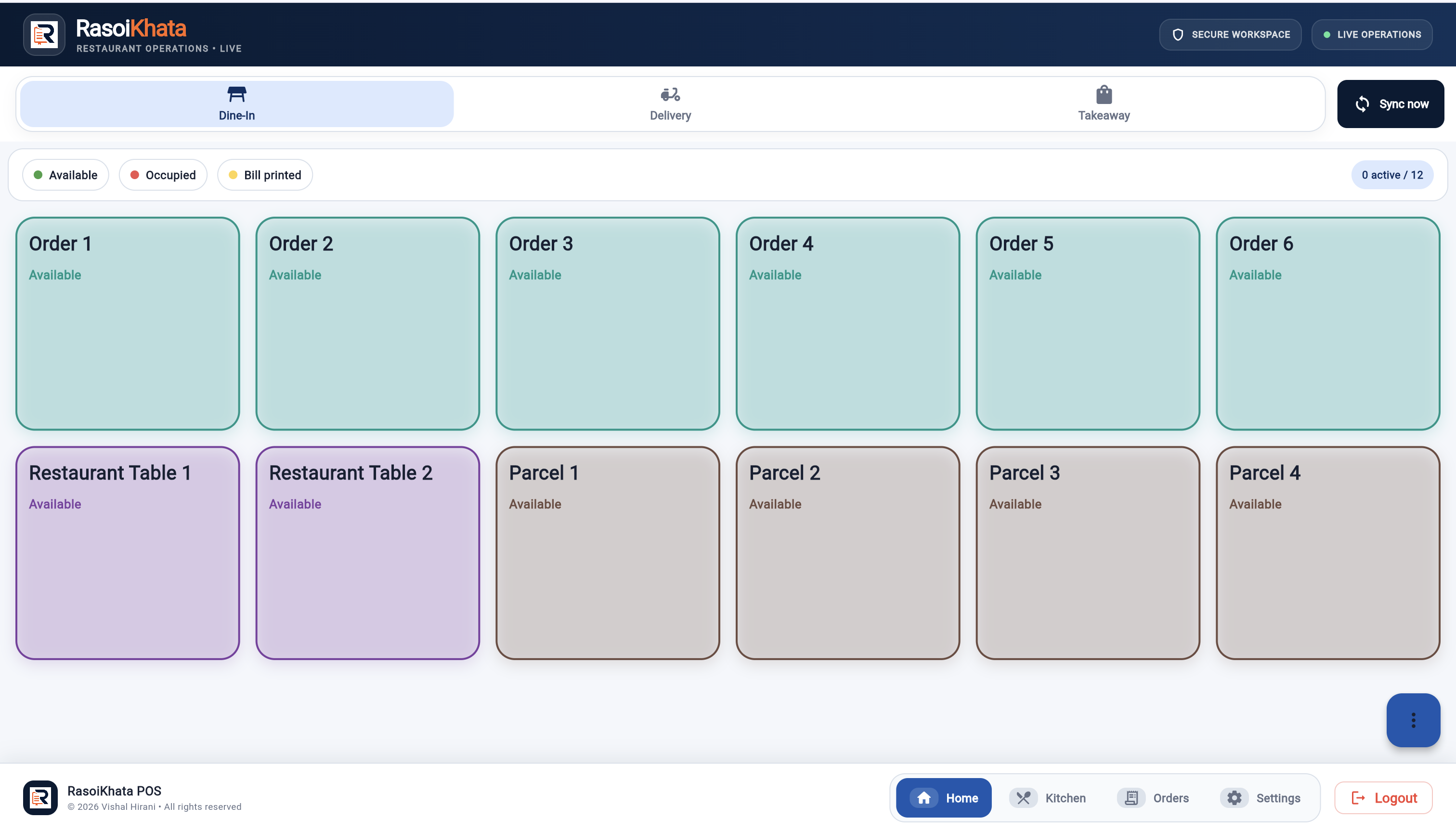
The desktop till for orders, tables, kitchen tickets and billing.
Windows installer · .exeOpen the web app instead RasoiKhataRESTAURANT OPERATIONS
Download RasoiKhata for Windows and Android.
Sign in with your restaurant account to get started.
The desktop till for orders, tables, kitchen tickets and billing.
Windows installer · .exeOpen the web app instead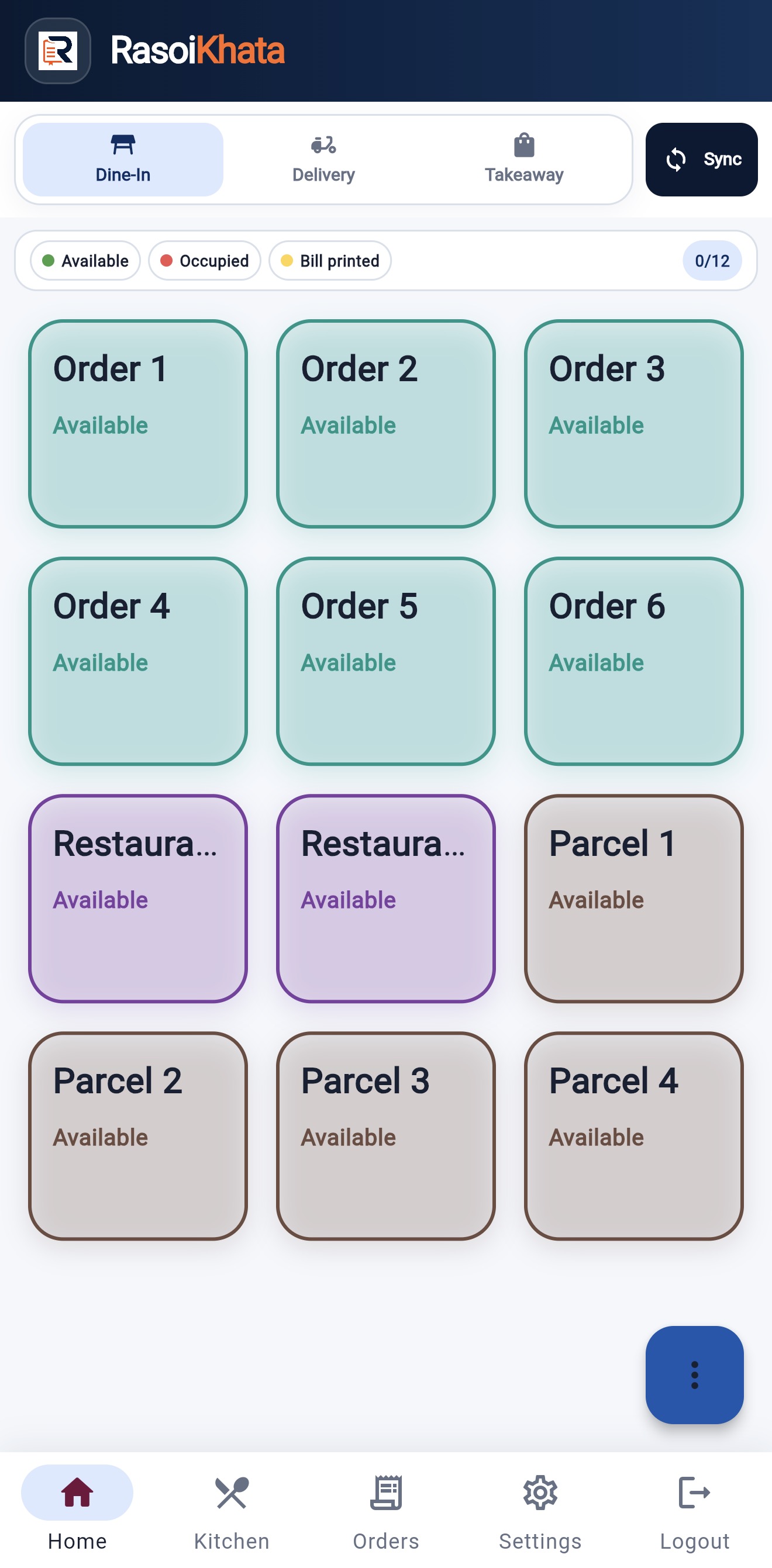
Keep order taking close to your guests with the Android app.
Direct download · .apkOpen the web app insteadRun the Windows installer or open the APK on Android. Android may ask you to allow installation from your browser.
Create your owner account on this website, then sign in to the app to add your menu, tables and team.
Choose your subscription on the Pricing page. Future updates include release notes so your team knows what’s new.
Already installed? The app checks for updates. Windows waits until the till is idle; Android requires installation confirmation.
This page provides the official direct Android installer. Android may ask you to allow installation from the browser you used. Only install from the official download linked here.
The application checks for releases and shows update information. Windows waits for the till to be idle; Android requires confirmation to install. Release notes explain what changed.
No. Installation and subscription purchase are separate. Sign in with the correct restaurant account, then review your plan on the Pricing page.
Confirm your menu, table layout, staff access and printer setup. Test order taking, a kitchen ticket and bill printing with your actual equipment before using it during service.
Check your connection and available device storage, then retry the official download. Contact support with your device type, app version and error message; never send your password.